
1
Open Trace and choose a project
Go to Trace Structural, sign in with your email and password. New users can create an account and confirm their email. Choose an existing project or New project. Set the architect/coordinator and engineer assignments.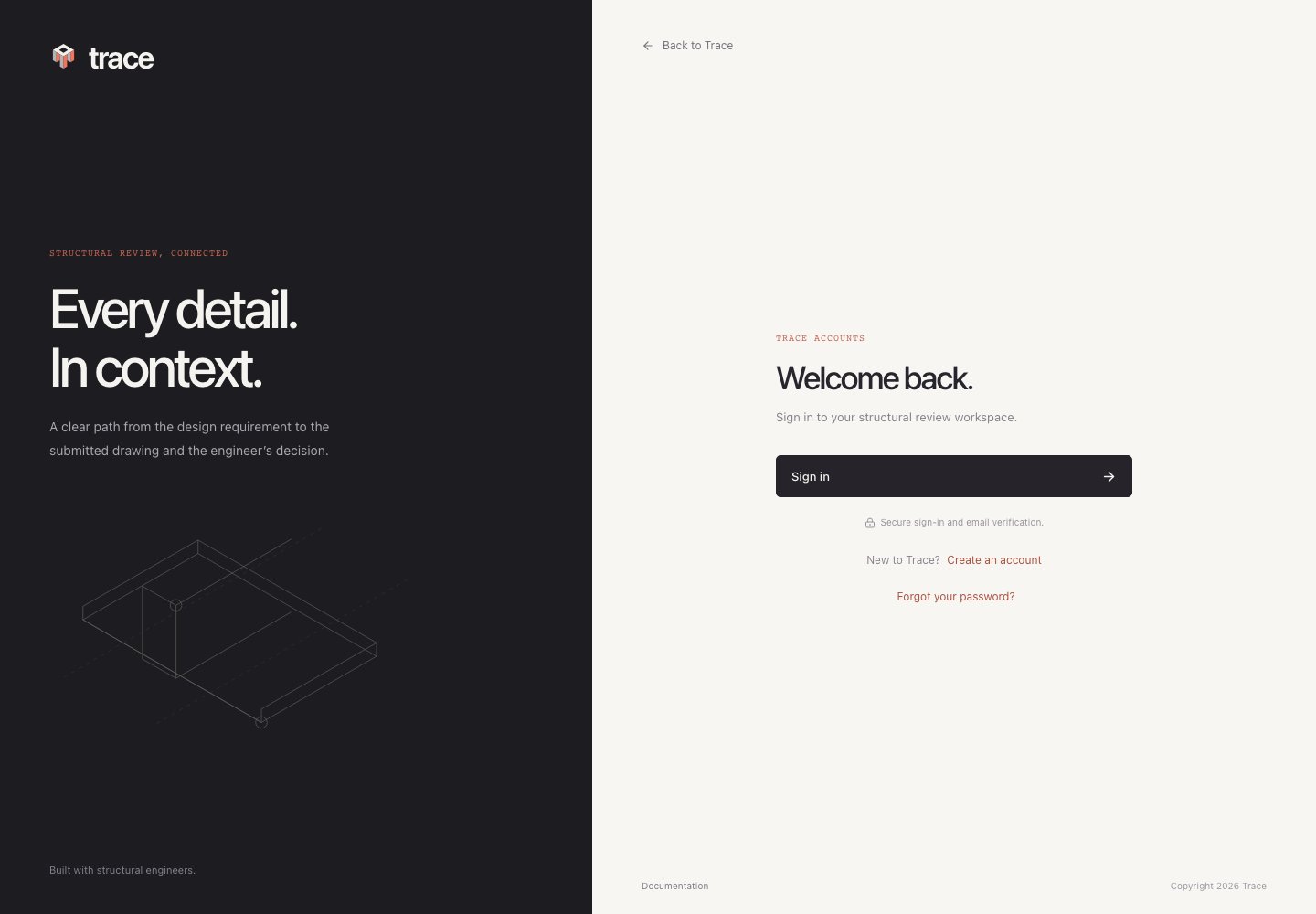
2
Upload the source documents
Open Document library → Upload PDF. Choose the role, module, CSI classification and phase. Shop submissions also have a revision label. See CA document library for bulletins, sketches and saved revision navigation. Include applicable structural drawings, typical details, specifications and delegated documents. Upload shop drawings as Shop drawings / submittal.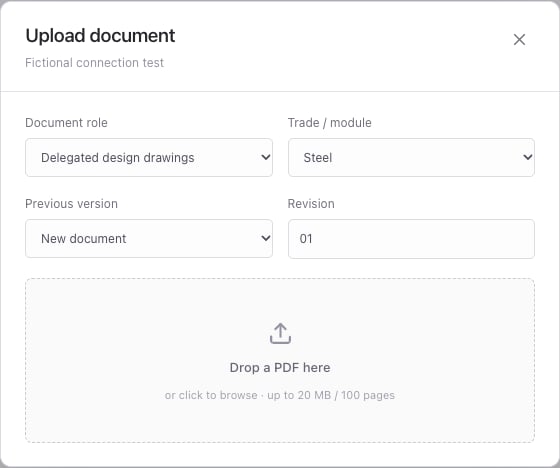
3
Create a review
Choose New review, select the module and review item, and name the package. Select the primary reference and submittal. Expand Supporting sources for additional design evidence or Additional submittal PDFs for a larger submitted package.Set the connection design basis, existing/new work scope and assigned reviewer. Choose AI document review, then Start review. With document reading enabled, Trace first reads each selected PDF with Reducto r-1 and Deep Extract. Progress shows Reading documents and Extracting engineering details. Saved extractions are reused on later reviews of that file. OpenAI receives the extracted evidence and original PDFs for visual comparison. Development installations without Reducto send the original PDFs directly to OpenAI. Keep the tab open until the review completes. See document reading.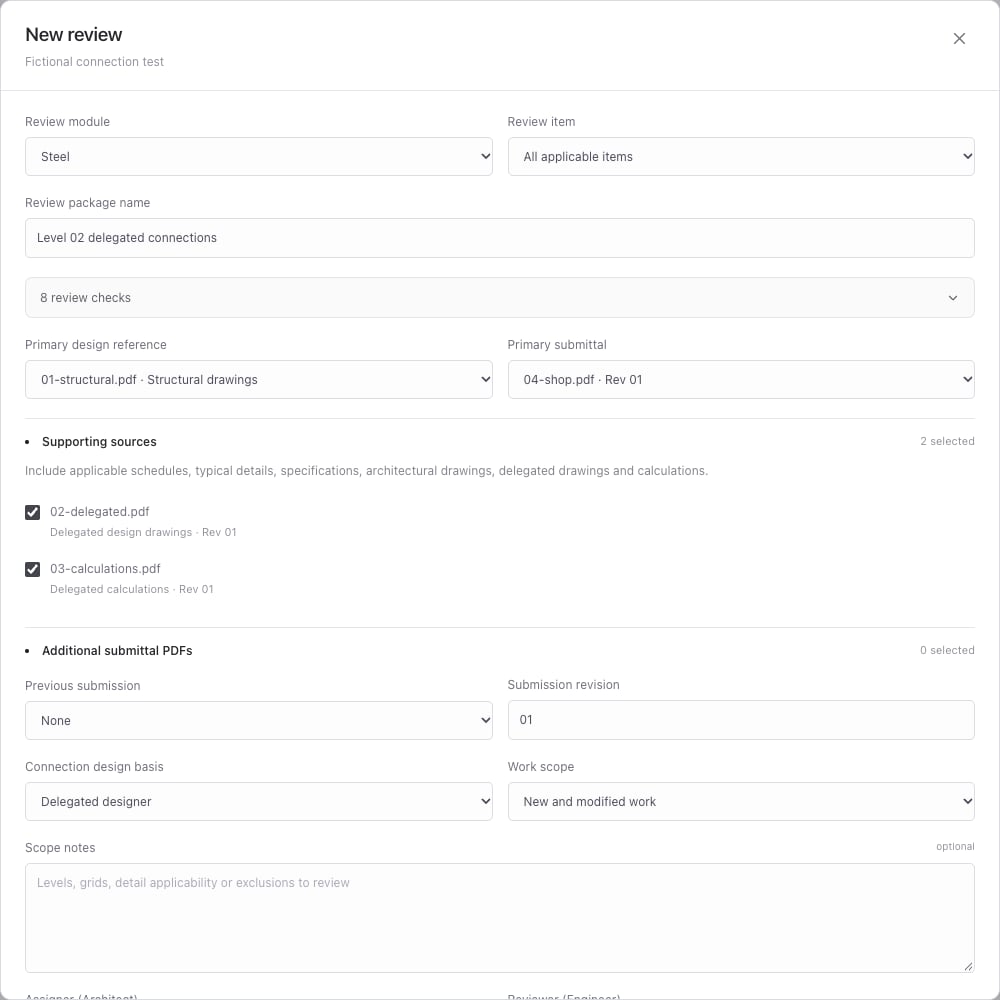
4
Inspect findings and coverage
Open a finding to compare source and submitted pages side by side. Locate finding focuses matched evidence; J and K move between findings. Details & decision opens details, scope and supporting source trails.Open Package & stamp → Review checks to inspect all module assessments, including missing information. No findings alone does not mean a complete or acceptable package.
5
Record decisions, stamp and export
Confirm discrepancies, dismiss incorrect findings with a reason, and resolve issues with correction evidence. The assigned engineer can record checklist assessments and a manual review stamp. Export review includes the report, annotations and all selected submitted PDFs.